
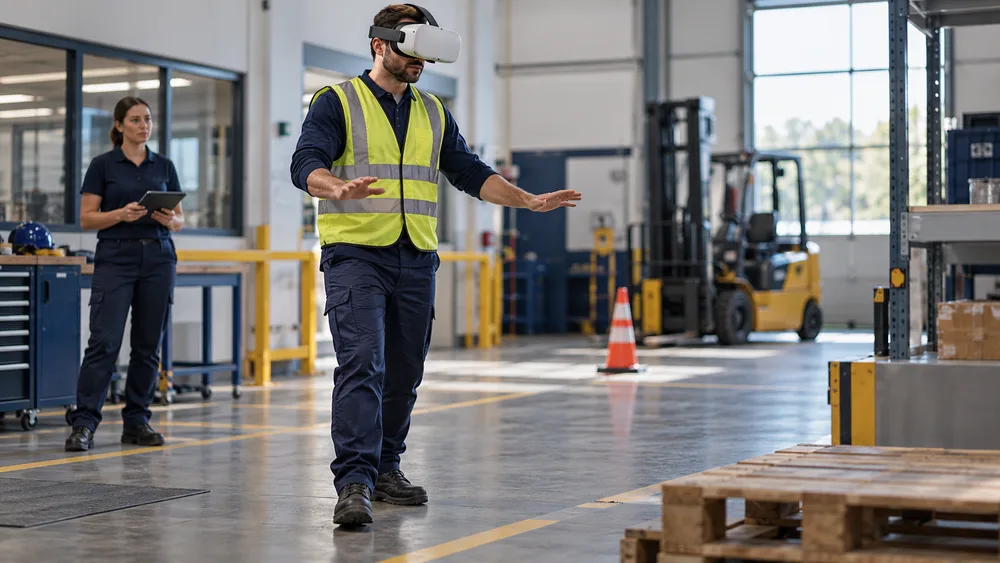
Could your employees practice a dangerous task repeatedly without facing the danger itself?
VR safety training creates that opportunity. It places learners inside realistic, interactive scenarios where they identify hazards, choose actions, and experience consequences in a controlled environment. For organizations that already use immersive XR training, the approach turns safety knowledge into observable behavior instead of stopping at slides, videos, or a multiple-choice quiz.
This guide explains where virtual reality adds value, how to select the right use cases, what a responsible rollout looks like, and which measurements help leaders connect learning performance with safer operations. It is designed for learning, safety, operations, and innovation teams evaluating a practical program rather than a one-off technology demo.
What VR Safety Training Is
VR safety training is a form of immersive learning in which a person navigates a simulated workplace, notices hazards, operates virtual equipment, communicates with characters, or follows an emergency procedure. The system can record each choice and provide immediate feedback. Unlike a conventional e-learning module, the learner must act: look in the right place, choose the right sequence, and respond under realistic time and environmental pressure.
The experience can be delivered through a headset, a desktop, or a blended configuration. The visual environment may reproduce a real facility, a representative worksite, or a purpose-built scenario. Mimic Business’s work in custom simulation design is especially relevant when procedures, equipment, and brand context must match a company’s actual operating conditions.
A useful program is not defined by realism alone. Its value comes from a clear performance objective: recognizing an unsafe condition, selecting personal protective equipment, completing a lockout sequence, responding to a spill, evacuating a space, or communicating during an incident. The technology is the practice environment; the learning objective remains the center of the design.
Why Immersive Practice Improves Safety Learning
Safety performance depends on decisions made in context. People may remember a rule in a classroom yet fail to notice a weak signal on a noisy site. An immersive scenario connects the rule to the visual, spatial, and procedural cues that surround the decision. Learners can scan an environment, prioritize competing information, and see how one missed step changes what happens next.
The ability to repeat practice is equally important. A live drill can be valuable, but it takes coordination, equipment, facilitators, and sometimes operational downtime. A virtual scenario can be reset quickly, allowing the learner to repeat a difficult sequence until the behavior becomes more fluent. Supervisors can also compare attempts rather than relying on a single observation.
This principle parallels the benefits described in Mimic Business’s guide to AI training simulations for enterprise teams: realistic practice is most useful when it includes timely feedback, measurable criteria, and a debrief that helps the learner explain the decision.
Practice rare emergencies without creating a real emergency.
Expose employees to consistent scenarios across sites and shifts.
Allow mistakes to become feedback rather than injury, damage, or downtime.
Capture behavior data that a final quiz cannot reveal.
Build confidence before supervised practice in the real environment.
Best VR Safety Training Use Cases
The strongest starting point is not simply the most dangerous task. It is a task where immersive practice solves a real constraint: the event is rare, the environment is costly to access, mistakes are unacceptable, or the learner must recognize spatial cues that are difficult to reproduce in a classroom.
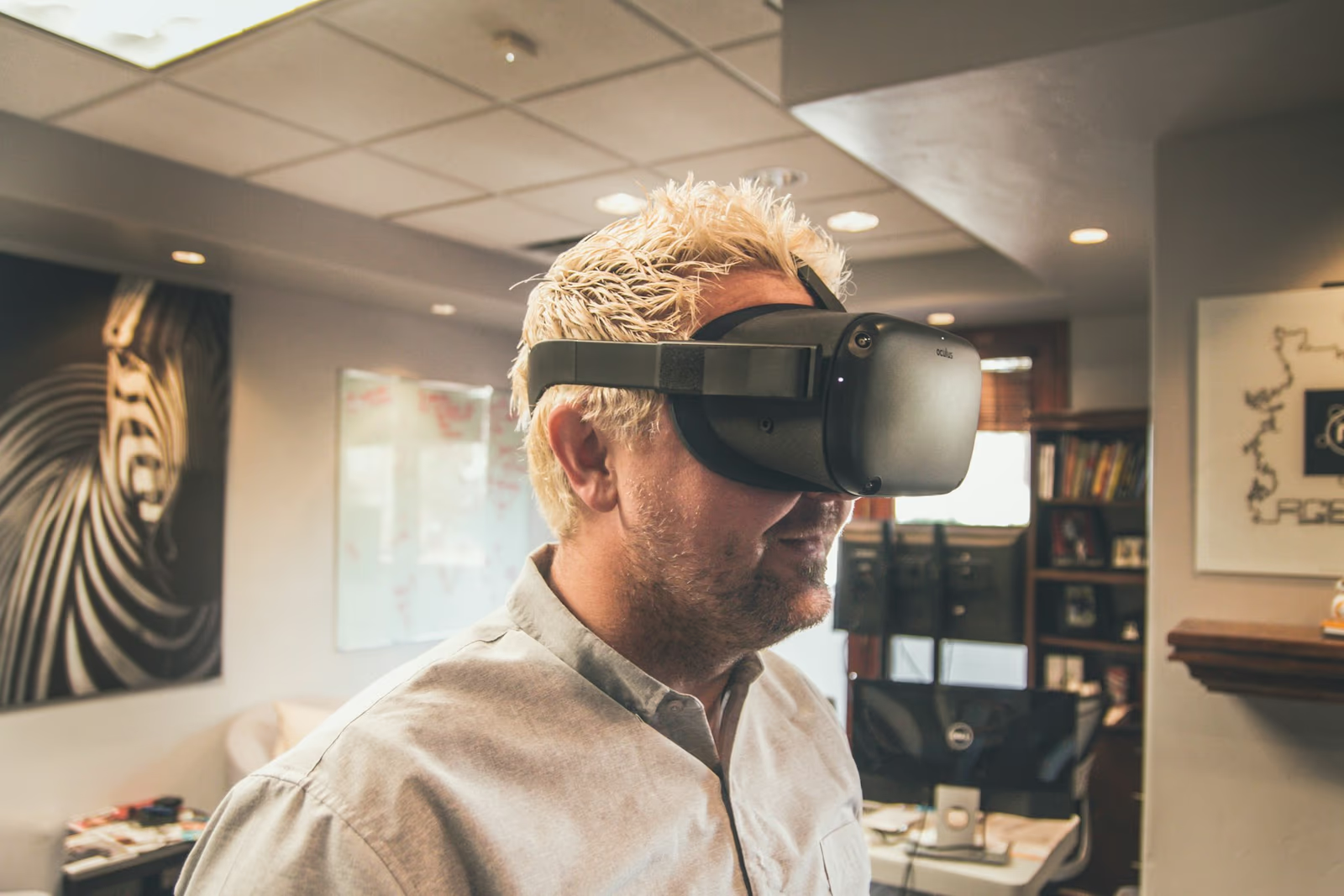
Hazard identification is a common entry point. Employees can inspect a construction zone, warehouse, laboratory, plant floor, or office and select hazards before beginning work. The scenario can vary object placement so that learners must scan the space rather than memorize one answer. Fire and evacuation modules can test route selection, alarm response, extinguisher judgment, assembly procedures, and communication.
Equipment and procedural training can focus on sequence, verification, and stop-work decisions. Examples include lockout/tagout awareness, pre-use inspections, working at height, confined-space preparation, lifting operations, and vehicle walkarounds. The virtual experience should not claim to confer a certification that requires physical assessment; it prepares the learner for supervised practice and reinforces the logic behind each step.
Organizations can also combine safety scenarios with digital twin training environments when facility layout, equipment position, or operational flow materially affects performance. A representative environment is often sufficient for general principles, while a detailed digital twin is justified when site-specific transfer is central to the business case.
VR Training vs Traditional Safety Methods
No single training method solves every safety need. Classroom instruction is efficient for policies and foundational knowledge. Video demonstrates a procedure consistently. Live drills provide physical realism and team coordination. VR safety training adds repeatable decision practice with low exposure to real hazards. A strong curriculum uses each method for the job it does best.
The comparison should guide sequencing rather than produce a winner. Employees might learn the policy in a short digital module, practice recognition and decisions in VR, rehearse the physical skill with an instructor, and demonstrate competence in the workplace. That progression preserves the safety and scalability of simulation without overstating what a headset can validate.
For organizations connecting immersive practice with existing learning systems, the implementation questions in VR corporate training, AI, digital twins, and LMS integration provide a useful technical companion. Integration should support the learning journey rather than turn the project into an IT exercise.
How to Design an Effective Safety Simulation
Begin with one observable performance outcome. “Understand safety” is too broad. “Identify five pre-start hazards and choose the correct control before operating equipment” can be designed, practiced, and measured. Interview subject-matter experts, observe the task where permitted, review incident and near-miss patterns, and map the decisions that distinguish safe from unsafe performance.
Next, build the scenario around meaningful cues. If learners must inspect a guard, read a label, hear an alarm, or notice another person entering a zone, those cues need sufficient clarity and realistic timing. Avoid adding visual detail that does not support the objective. Fidelity is valuable when it improves transfer; decorative complexity can increase cost and distract from the signal.
Feedback should explain the consequence and the better action. Instant correction is appropriate for early practice, while a delayed debrief may be better when the objective is independent decision-making. Branching can show how choices change the event, but every branch should serve a learning purpose. A score without explanation encourages gaming rather than reflection.
If conversational practice matters—for example, challenging an unsafe instruction or coordinating an emergency response—AI avatars for corporate training can add responsive dialogue. Governance, approved response boundaries, and human review are essential when an AI-driven character influences safety-related learning.
Define the job behavior and success criteria.
Storyboard decisions, cues, consequences, and feedback.
Prototype the riskiest interaction before building the full environment.
Test with subject-matter experts and representative learners.
Revise for clarity, comfort, accessibility, and operational accuracy.
Technology, Accessibility, and Governance
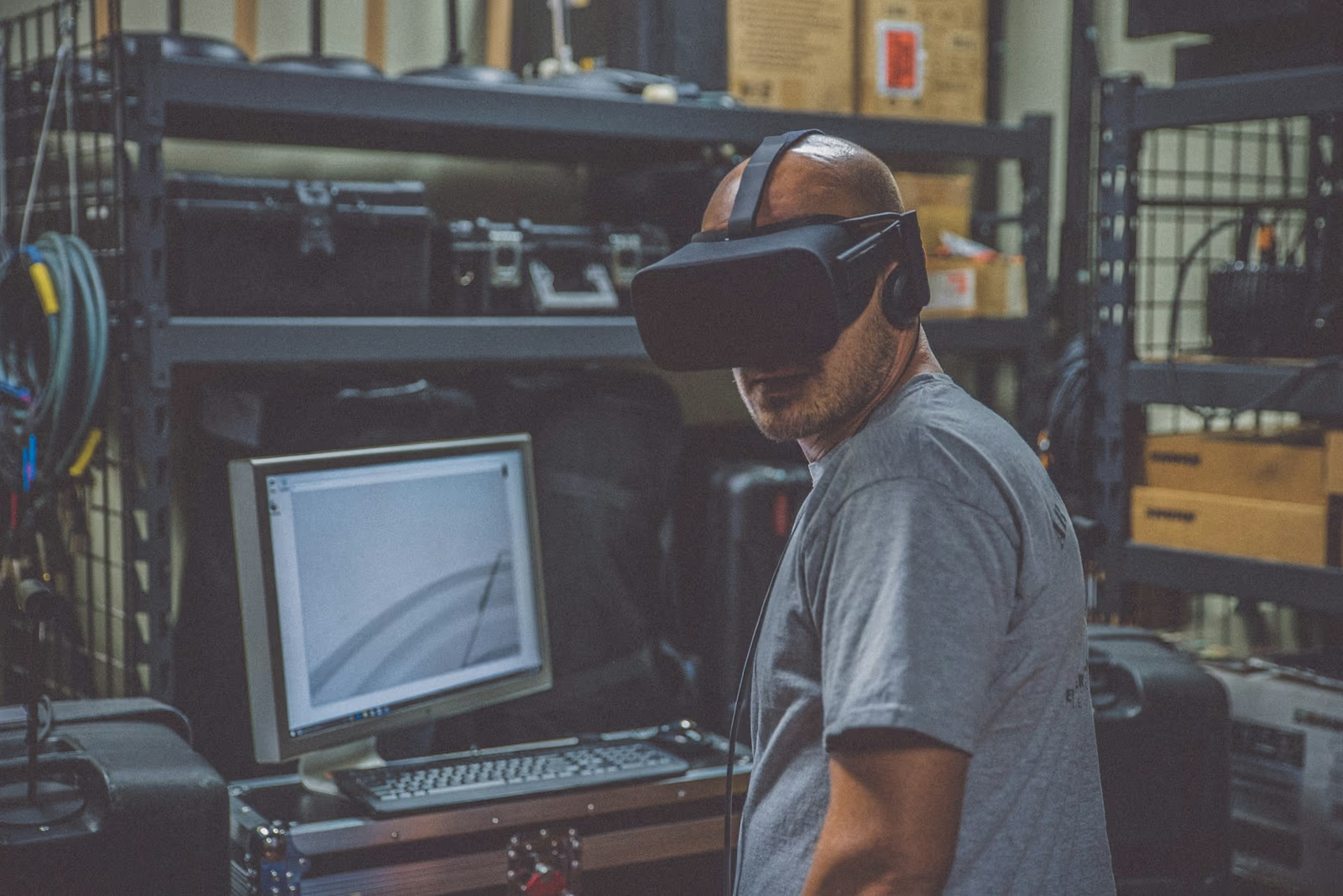
Hardware selection should follow the operating model. Standalone headsets are portable and reduce cabling, while higher-powered systems may be appropriate for complex visuals or specialized peripherals. Consider device management, offline use, hygiene, storage, charging, network restrictions, physical space, facilitator workload, and support across locations. A technically impressive module that is difficult to deploy will not scale.
Accessibility needs to be planned, not added at the end. Provide alternatives for employees who cannot or should not use a headset. Options may include desktop delivery, seated mode, adjustable locomotion, subtitles, audio controls, color-safe cues, simplified interactions, and an equivalent instructor-led pathway. Screen for motion sensitivity and define safe play-space procedures.
Data governance is equally important. Collect only the learning data required for the objective. Explain what is recorded, who can access it, how long it is retained, and whether it influences employment decisions. Individual results may support coaching, but aggregated trends are often more appropriate for program improvement. Avoid presenting behavioral telemetry as a medical or psychological diagnosis.
A clear governance model also supports broader AI and immersive business initiatives. Assign ownership for content accuracy, platform security, accessibility, learner support, analytics, and change control before the pilot begins.
How to Launch and Scale a Pilot
A focused pilot should answer a business question. Choose one audience, one use case, and a comparison baseline. Define what success will look like before development: better hazard-recognition scores, fewer procedural errors, faster competent performance, reduced facilitator time, or improved confidence verified by a supervisor. Include safety representatives, operations, learners, IT, and learning leaders in the acceptance criteria.
Run a small technical and usability test before the measured pilot. Confirm that employees can fit the equipment, understand the controls, complete the scenario safely, and receive help. Facilitators should have a simple setup checklist, troubleshooting guide, cleaning process, and debrief script. Capture qualitative feedback, but do not let novelty ratings replace performance data.
Scaling requires a content and operating roadmap. Decide whether sites will share a standard scenario, receive configurable variants, or commission location-specific builds. Establish version control so that a procedure update reaches every deployed module. Plan device replacement, platform updates, analytics access, and content review as recurring work rather than treating launch as the finish line.
Teams that have already explored immersive onboarding simulations can reuse many rollout practices: stakeholder alignment, facilitator preparation, staged deployment, and measurement across attempts. Safety content adds a higher bar for technical accuracy and approval.
How to Measure Results and ROI
Measure learning inside the scenario and transfer outside it. Useful in-scenario metrics include hazards found, critical errors, sequence accuracy, decision time, help requests, attempts, and improvement between attempts. Pair those results with a supervisor observation or practical assessment so that the organization can see whether virtual performance transfers to the job.
Operational outcomes take longer and require careful interpretation. Incident counts are influenced by exposure hours, reporting culture, process changes, staffing, and equipment. Include near-miss reporting, audit findings, procedural compliance, downtime, and retraining alongside lagging indicators. A rise in reported near misses may be positive if the training improves recognition and reporting.
For ROI, compare the program’s total cost with avoided or reduced costs that can be credibly attributed. Relevant categories may include instructor travel, facility shutdown, consumables, damaged equipment, repeated setup, learner time, and the expected cost of errors. Use conservative assumptions and show a range rather than presenting a precise number unsupported by evidence.
Mimic Business’s broader virtual reality in business guide frames immersive training as part of organizational performance. The same principle applies here: the most persuasive result is not headset engagement but a safer, more consistent decision made when it matters.
Conclusion
VR safety training gives employees a protected place to practice high-consequence decisions, repeat procedures, and learn from mistakes. Its impact depends on disciplined use-case selection, accurate simulation design, inclusive delivery, and measurement that connects scenario performance with real workplace behavior.
Ready to explore a tailored safety simulation? Contact Mimic Business to discuss an XR training pilot aligned with your people, procedures, and operational goals.
Further reading
PwC virtual reality soft-skills training study — Research on VR soft-skills training. Its findings depend on the study context and should not be treated as a forecast for every training programme.
Frequently asked questions
What is VR safety training?
VR safety training uses an interactive virtual environment to let employees recognize hazards, make decisions, and practice emergency or operational procedures without exposure to the real-world danger.
Which industries benefit most from VR safety training?
Manufacturing, construction, logistics, energy, healthcare, transport, laboratories, and any organization with high-risk or hard-to-rehearse procedures can benefit. Office teams can also use it for evacuation and incident-response practice.
Can VR safety training replace hands-on instruction?
Usually it should complement rather than replace qualified instruction, supervised practice, and legally required certifications. VR is strongest as a repeatable practice layer between knowledge learning and real-world assessment.
How long should a VR safety module be?
Many effective modules run for 10 to 25 minutes, followed by a debrief. Short scenarios reduce fatigue, keep the objective focused, and make repeat practice easier to schedule.
What equipment is required?
A program may use standalone headsets, tethered headsets, desktop delivery, or a mixed fleet. The right choice depends on visual fidelity, mobility, hygiene, IT policy, accessibility, and the number of learners.
How do you measure ROI from VR safety training?
Track leading indicators such as hazard-recognition accuracy, procedure completion, decision time, repeat attempts, and supervisor confidence, then compare them with incidents, near misses, downtime, retraining, and travel costs.
Can VR training connect to an LMS?
Yes. A well-designed solution can pass completion, scores, attempts, timestamps, and scenario-level events to an LMS or learning record store, subject to the organization’s integration and privacy requirements.
How often should safety scenarios be updated?
Review scenarios whenever procedures, equipment, regulations, or workplace layouts change, and also on a planned cycle. Analytics and learner feedback should guide smaller improvements between major revisions.
Discussion
Join the conversation
Comments are reviewed before publication to keep the discussion useful.