Common applications
Where this works.
- Safety and hazard recognition
- Equipment and technical procedures
- Onboarding and site orientation
- Rare or high-consequence decisions

Immersive XR training
We build VR simulations, AR guidance and desktop training around your equipment, procedures and working environments. Give people a place to practise before they carry out the task on site.
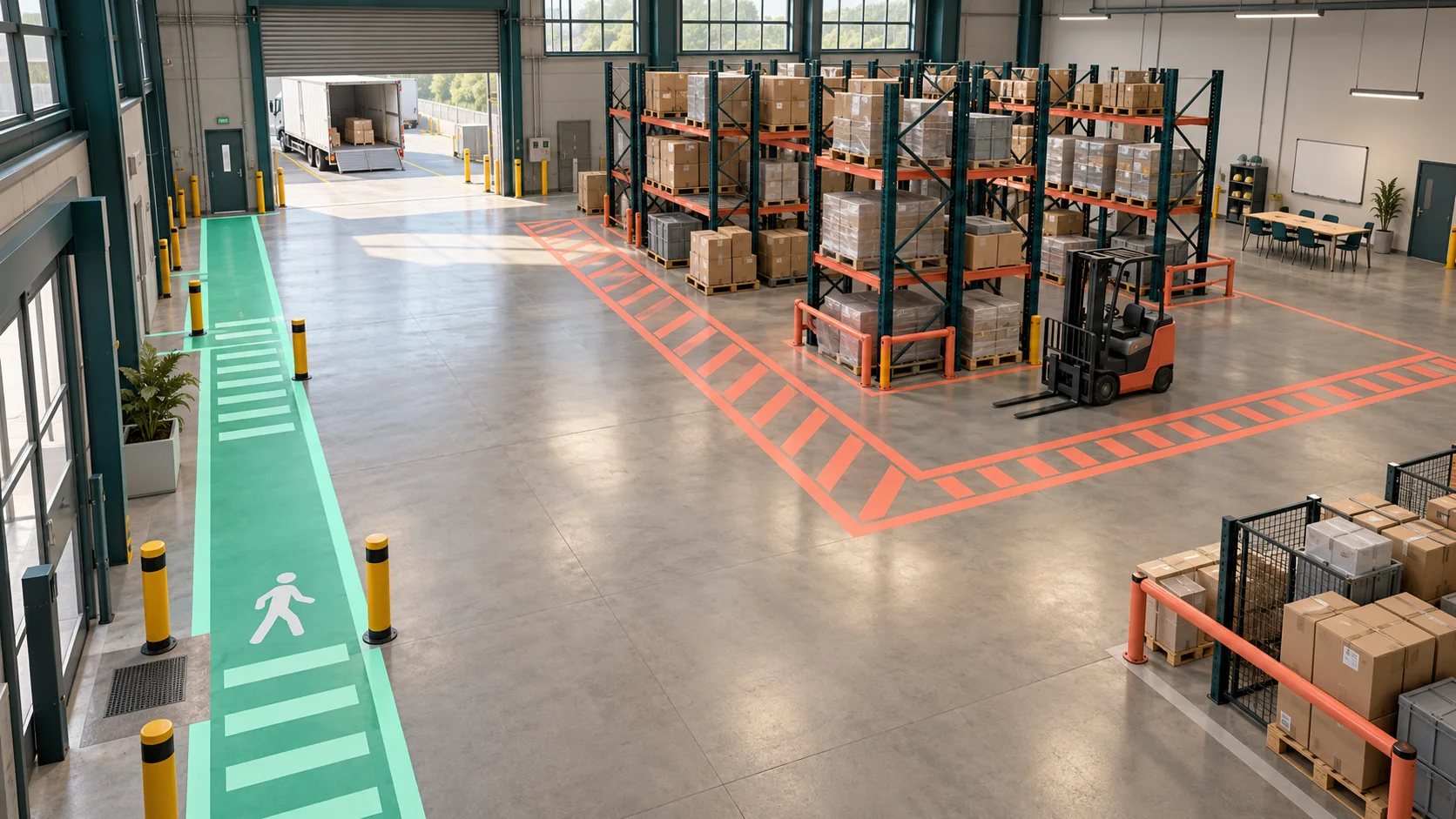
Choose a context
Rehearse the checks and communication around a loading handover.
Select a checkpoint to see how a workplace requirement becomes a learning task.
Illustrative learning design, not operational safety instructions. Real scenarios are validated against your procedures and subject experts.
Rehearse a procedure, recognise a hazard or learn a site layout before entering the real environment.
The approach
Bring us the task your team needs to learn: a machine changeover, a warehouse handover or a first visit to a complex site. We work with your subject experts to define the steps, recreate the setting and build opportunities to practise and receive feedback.
Common applications
Business value
Choose the right format
Recreate a space at human scale. Let learners inspect equipment, follow a sequence and practise decisions away from live operations.
Place instructions alongside physical equipment. Scope the devices, environment and tracking requirements before production.
Make an interactive scenario available on a screen when headset access is limited. Adapt the controls and assessment to that format.
Start with one task
For learning and development teams and operations leaders who need to test a training approach before a wider rollout.
Discuss your training pilotBring one workplace task, a defined learner group and the decisions people need to practise. Together, we can scope a prototype and agree how to evaluate it.
Deliverables, cost and timing are agreed after reviewing complexity, existing assets, devices, languages and integration needs.
From prototype to handover
A pilot scope should connect each production deliverable to a task, a review owner and a clear acceptance check. The final package is agreed for your project.
For headset delivery, confirm the exact devices, controllers, available space and how builds will be installed and updated. For desktop delivery, agree supported browsers or operating systems and keyboard access. For AR, test the target equipment, lighting, tracking method and placement of instructions in the actual environment.
Agree whether the experience requires a network connection and what happens when that connection fails. Learning-platform connections, sign-in and reporting are scoped separately: specify the receiving system, permitted data and an end-to-end acceptance test before promising an integration.
Your subject experts approve the procedure and permitted decisions. The delivery team validates the agreed devices and interactions; your training owner agrees the learner briefing, facilitator support and review process. Record who updates the simulation when equipment or procedures change.
See the MOSIM industrial simulation project for Mimic Productions' published work on captured movement, modular motion units and digital avatars. A workplace training application still needs its own procedure review, learning design and evaluation.
For an industrial brief, explore manufacturing training scenarios. Use our VR training budget guide to separate content production, hardware, integration and ongoing maintenance.
Agree the evidence
Choose the critical steps, hazards or decisions to assess. Record a baseline using the same criteria you will apply after practice.
Collect learner and trainer feedback on clarity, accessibility and relevance. Agree how performance data will be handled.
Compare results with the agreed criteria and review delivery constraints. Use the evidence to refine, expand or stop the pilot.
Planning resources
Delivery
Clarify the work, audience, constraints and evidence of success.
Test the experience and interaction before full production.
Produce, integrate, test and refine with real users.
Answers
Clear answers for teams evaluating the right approach.
Immersive XR training uses virtual, augmented or mixed reality to let employees practise realistic tasks and decisions in a controlled environment.
It is strongest for hazardous, expensive, rare or complex situations where repeatable practice and measurable decisions matter.
Yes. Delivery can support common learning standards and integrate completion, assessment and performance data with enterprise learning systems.