
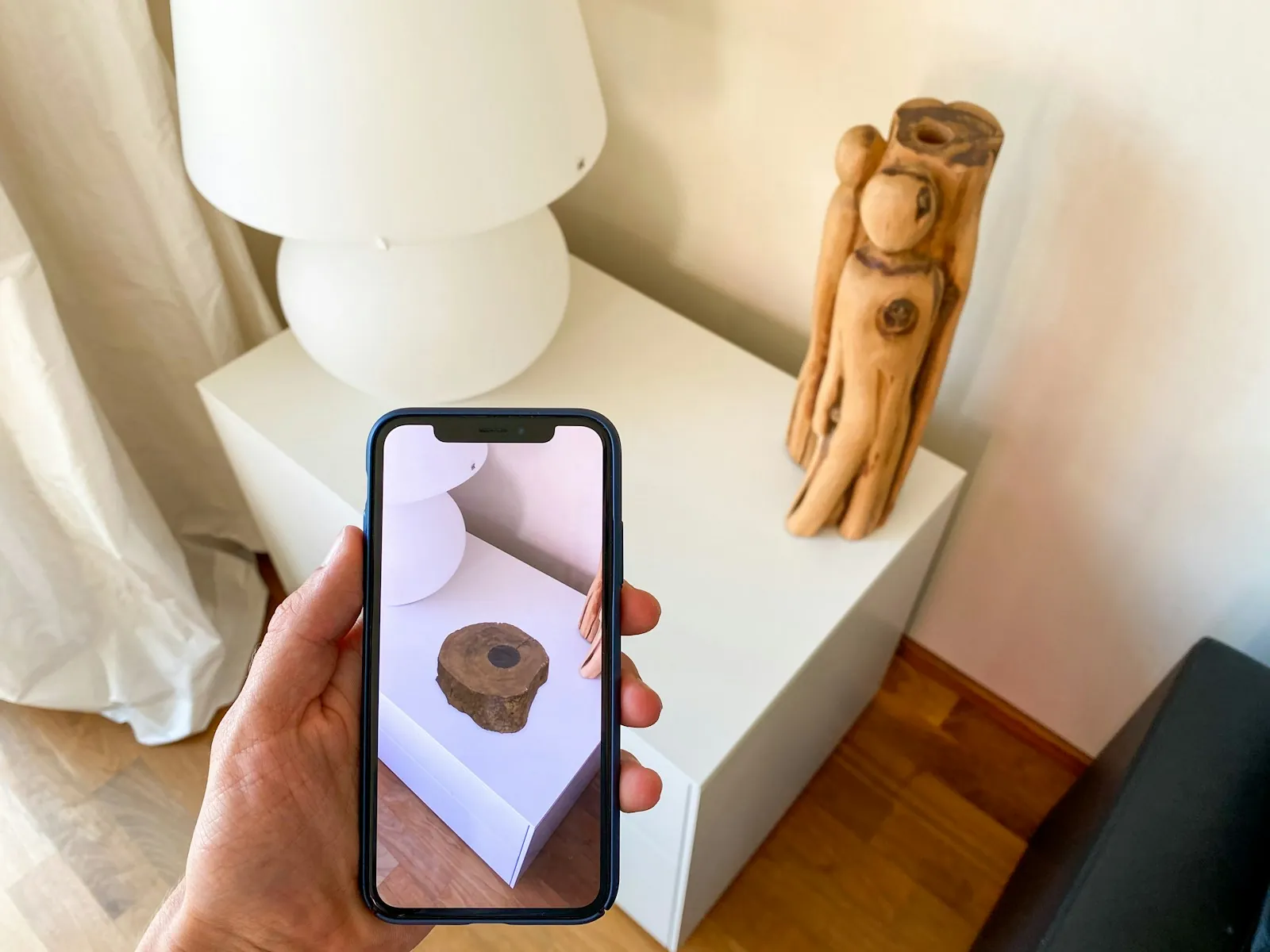
Augmented reality work instructions place visual guidance alongside a real task, through a phone, tablet or compatible headset. In manufacturing, that might mean identifying a component, showing an assembly orientation or helping an operator find the next inspection point. The useful part is the connection between an approved instruction and the equipment in front of the person.
Start with one procedure that is difficult to explain on paper. Then decide whether AR adds something a labelled photograph, short video or ordinary digital checklist cannot. This guide explains how to select that procedure, write and maintain its steps, and evaluate a pilot without confusing a convincing demonstration with a production-ready system.
For an introduction to the wider training approach, read our enterprise AR training guide. Here, the focus is the work instruction itself: what it says, how it is approved and what happens when the process changes.
What AR adds to a work instruction
A digital work instruction can run on an ordinary screen. An AR instruction adds a relationship to the physical scene: a marker anchored to a component, a visual assembly reference or an annotation presented through a camera view. Not every step needs a spatial overlay. Some are better served by a clear photograph, a recorded explanation or a confirmation prompt.
PTC describes Vuforia Expert Capture as a system for creating immersive work instructions for real-world tasks. That is one product example, not a requirement for a Mimic Business project. Choose a platform around your procedure, devices, support arrangements and content ownership requirements.
Keep instruction and training objectives separate. Instructions support task completion; training builds understanding and the ability to respond when conditions change. A learner who follows every highlighted step may still need supervised practice before working independently. Our immersive XR training service considers AR guidance alongside VR and desktop practice, depending on the job.
Choose a task where the extra guidance matters
Look for a procedure with a clear start and finish, known equipment and an owner who can approve the content. Suitable pilot candidates might include identifying similar parts, learning a changeover sequence or recognising inspection locations. These are examples to assess with your operations team, rather than tasks automatically suitable for AR.
Observe how people currently work. Where do they stop to search a manual? Which diagram is hard to relate to the machine? Where does an experienced colleague need to explain orientation or sequence? Record these points before choosing the device. If the problem is an outdated procedure, correct the procedure first; AR will not make inaccurate instructions reliable.
- Task: one bounded activity, with its prerequisites and completion condition.
- Audience: new operators, experienced staff, maintenance specialists or another defined group.
- Difficulty: the specific identification, sequence or decision that needs support.
- Alternative: the best existing instruction against which to compare the pilot.
- Owner: the person responsible for approving and maintaining the procedure.
A useful pilot brief could be: “Help new operators distinguish the approved components in a training assembly and explain their sequence.” It should not simply say “Put the manual in AR.” The first brief gives the team a design problem and a way to judge whether the result helps.
Write steps that an operator can act on
Build each step around one observable action. State what the person needs to identify or do, the expected result and what to do if that result is missing. Use the terminology already approved for the site. Ask the subject expert to flag informal names that might confuse new starters or teams at another location.
For a training assembly, a step might identify the component, show its orientation and ask the learner to explain why it belongs there. The visual should answer a real question. Decorative arrows, floating labels and elaborate animation can compete with the information people need.
Use a repeatable authoring record for every step: step ID, approved source document, equipment variant, action, supporting media, expected result, exception route and reviewer. This makes later revisions easier to trace. Keep the record outside the presentation layer so the procedure remains understandable if the delivery platform changes.
Test the instructions with someone who did not write them. Ask them to explain the step in their own words before acting. Watch for hesitation, unfamiliar abbreviations and places where the visual appears to point at more than one object. Our scenario design guide explains how decisions and feedback can turn a sequence into meaningful practice.
Match the device to the working environment
A handheld screen may suit a task that allows pauses and a free hand. A headset introduces different questions about fit, visibility, shared use and compatibility with protective equipment. Neither format should be selected solely because it looks impressive in a demonstration. See how our technology approach connects the experience to the learning task.
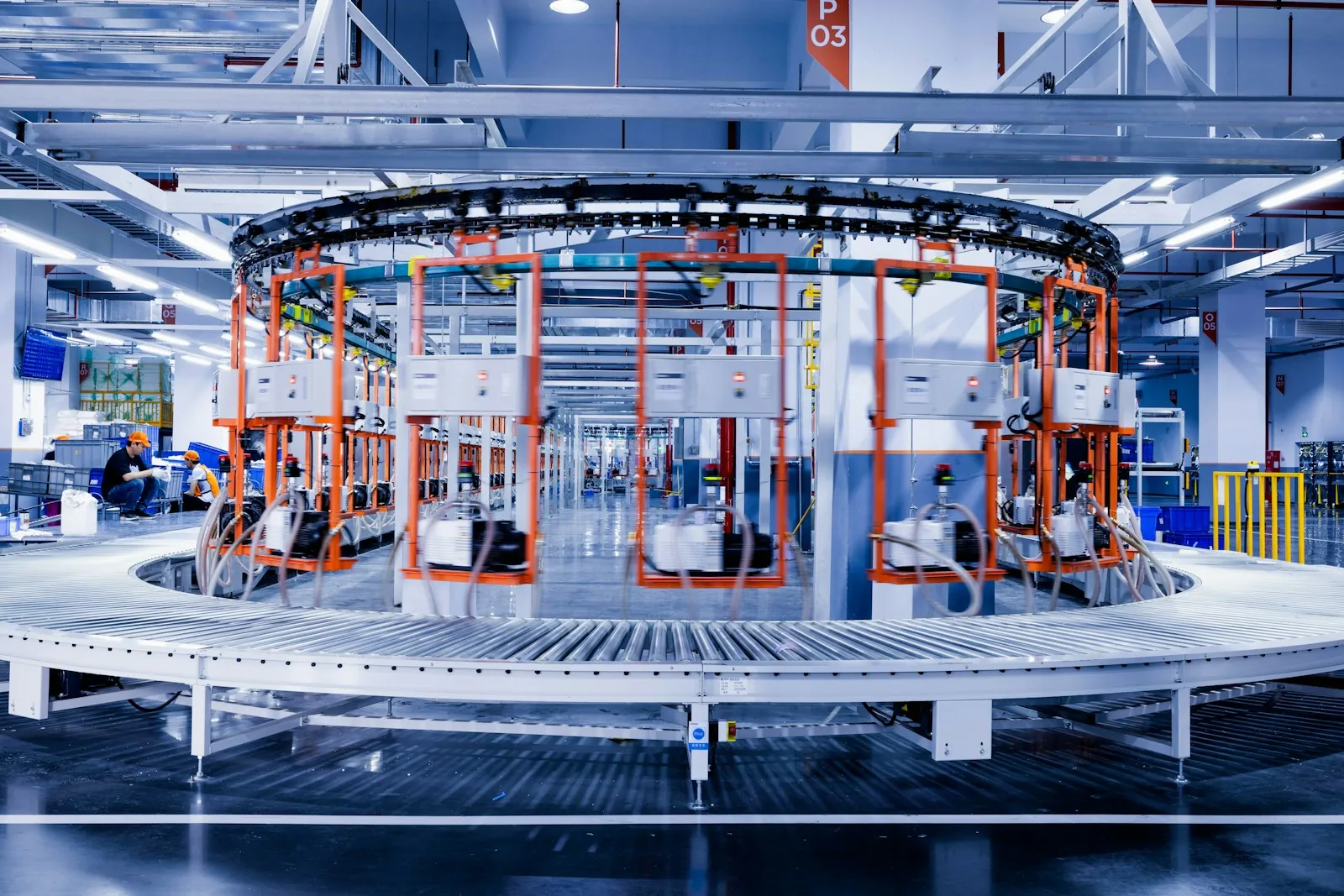
Test lighting, reflections, viewing distance, background clutter and network conditions at the intended location. Check how reliably the system identifies the correct object and how it behaves when tracking is lost. Include different users and the actual equipment variant. An overlay that looks correct in a quiet meeting room may not be usable on the shop floor.
PTC's Vuforia Vantage mobile documentation describes viewing, completing and submitting procedures on supported devices. Verify the current operating-system requirements and the capabilities of your selected platform rather than assuming every device supports every workflow.
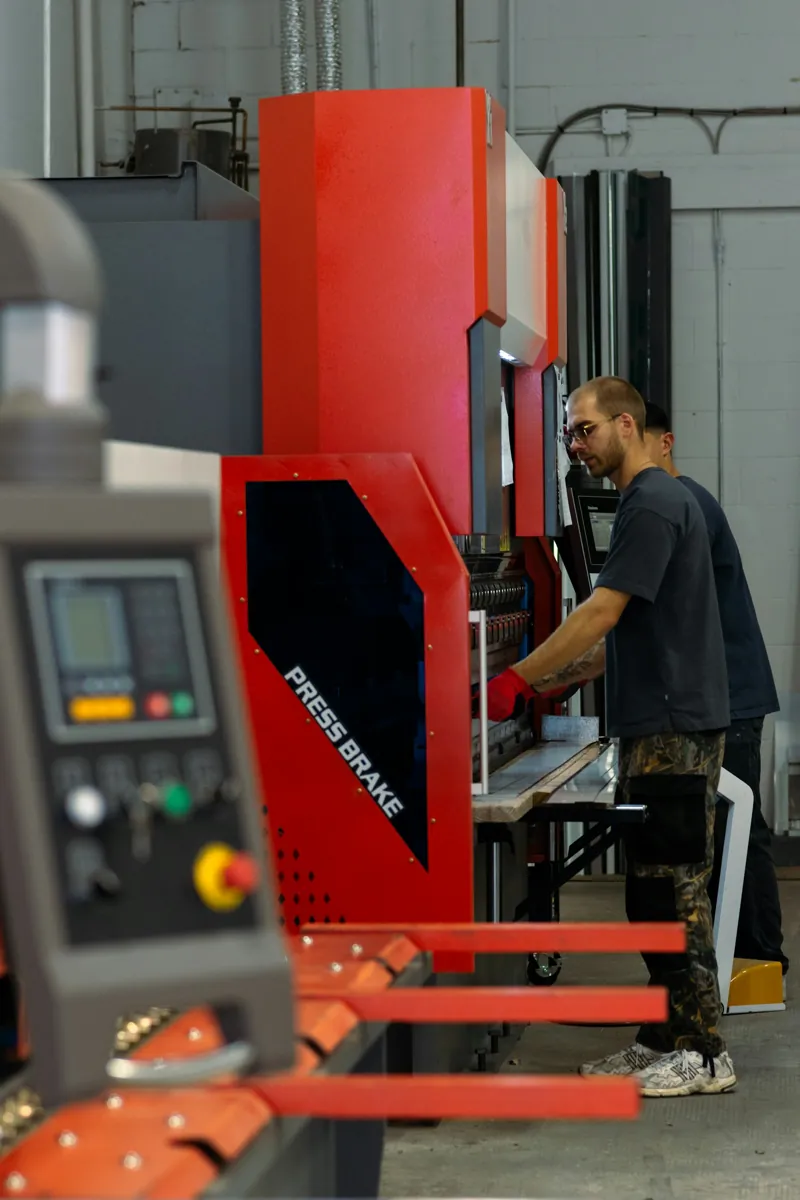
Plan for accessibility and practical use: readable labels, adequate contrast, alternatives to audio-only instructions, language review and a non-AR route when needed. Review the proposed setup with the people responsible for site safety. This article is a planning guide, not an operating procedure for the machinery shown.
Make approval and version control part of the design
Every published instruction needs an accountable owner. Agree who writes it, who checks technical accuracy, who approves it for use and who can withdraw it. Distinguish draft, training-only and approved production content in the management process. Learners should not need to guess which version applies.
Record the equipment, product or process revision that each instruction supports. A change to tooling, a component or a control layout can make a previously correct visual misleading. Establish what triggers a review and how affected users receive the replacement. Do not rely on an author remembering to update every copy.
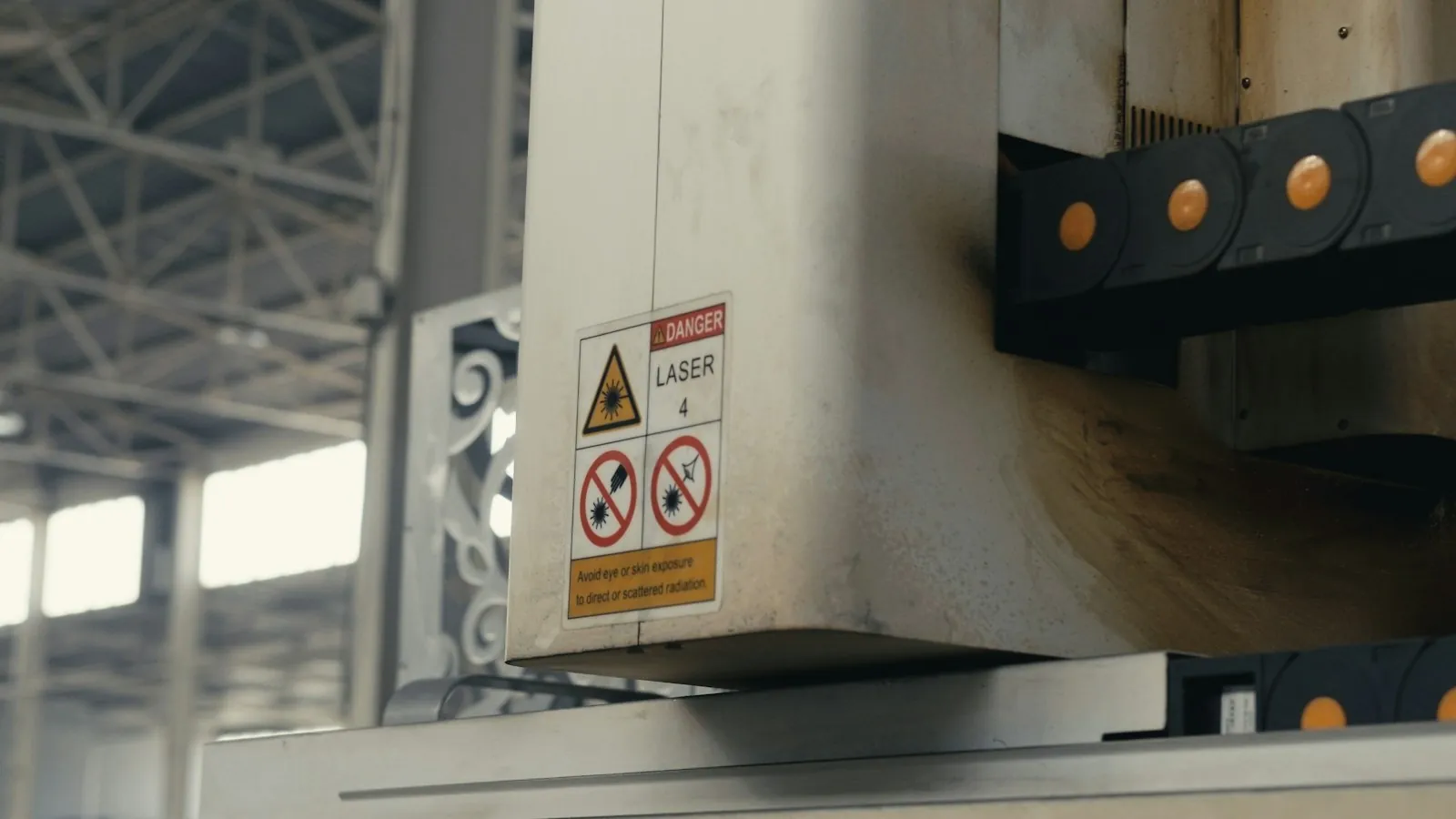
As one implementation example, Vuforia Editor's version and history tools record changes and support working with versions and releases. During procurement, ask suppliers to demonstrate the approval, rollback and distribution workflow you actually need; the presence of a version-history screen alone does not establish your governance process.
Also check the supplier's lifecycle. Microsoft has announced that Dynamics 365 Guides and Remote Assist reach end of support on 31 December 2026. That makes lifecycle review a practical purchasing issue. Ask about export formats, source files, migration assistance and ongoing support before building a library on any platform.
Measure the pilot against a fair comparison
Choose success criteria before the trial. Compare the AR instruction with the current approved method, using a defined task and comparable participants. Record prior experience and the assistance each person receives. Otherwise, a difference in results could reflect familiarity or coaching rather than the instruction format.
Useful measures include correctly completed steps, requests for help, identification errors and time spent finding information. If measuring completion time, include device setup and interruptions. Record problems as well as successful runs: lost tracking, unreadable text, wrong equipment selection and steps people bypass.
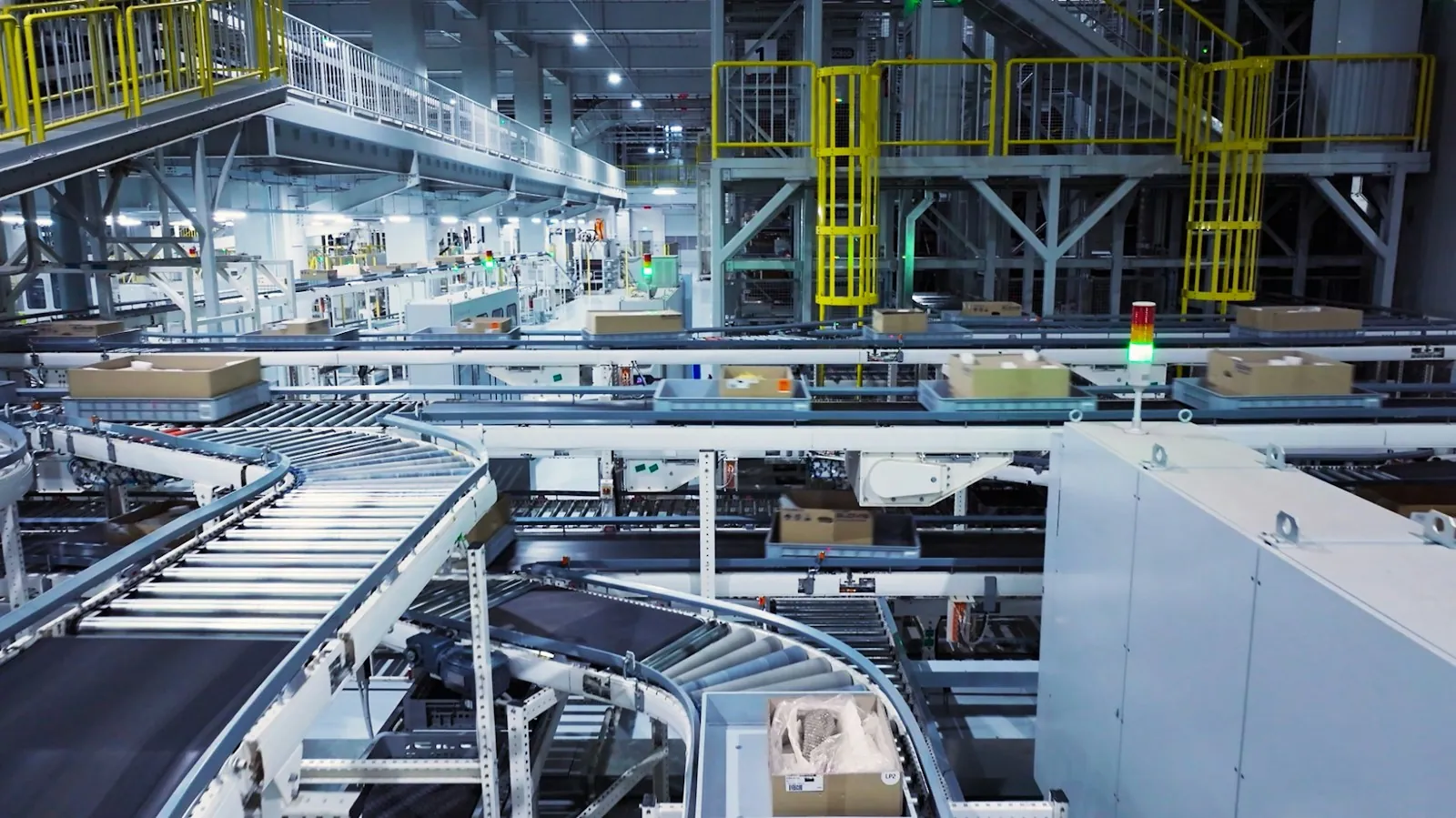
For learning outcomes, include a later assessment without the same prompts, where appropriate and safe. Completing a guided sequence and retaining the knowledge are different results. Avoid translating a small pilot directly into a claim about reduced incidents or company-wide productivity. Report the task, sample, conditions and limitations alongside any numbers.
Decide what data is necessary and who can access it. Completion records, performance observations and recordings have different privacy implications. Our guide to measuring immersive training impact provides a framework for connecting evidence to a learning objective.
Plan the handover before expanding
A useful pilot ends with a decision and a support plan. Identify who owns devices, licences, updates, content revisions and learner support. Confirm how instructions are assigned, how results are recorded and how staff access an approved alternative if the system is unavailable.
Ask for an inventory of delivered assets: editable procedure records, photographs, video, 3D models, application configuration and review history. Clarify what your team may change and what requires the supplier. Where an LMS or another business system is involved, agree the actual data exchange and test it before promising an integration.
Budget for more than the first build. Include internal expert review, device management, translation, platform renewals and future equipment changes. Our training budget guide covers useful cost categories; its VR examples are not AR price quotations. The right estimate starts with a defined task and delivery scope.
AR work instructions: frequently asked questions
What are augmented reality work instructions?
They are task instructions presented with visual information related to a real environment, through a compatible phone, tablet or headset. The value comes from making an approved step easier to understand in context, such as identifying a component or showing an orientation.
How are AR instructions different from digital work instructions?
Digital instructions can be ordinary text, photographs, video or checklists on a screen. AR adds a relationship to the physical view or location. Use that extra layer where it resolves a real difficulty; simple tasks may need only a clear digital checklist.
Do operators need a headset?
No. Some workflows use phones or tablets. The device should fit the task, supported software, site conditions and accessibility needs. Verify the exact platform and operating-system requirements before buying hardware or promising hands-free use.
Can AR replace training or supervision?
Following prompts does not demonstrate independent competence. Decide what people must understand and practise, then assess that ability appropriately. AR guidance can form part of a training programme, while required supervision and approved operating procedures remain separate responsibilities.
What should the first manufacturing pilot cover?
Choose one bounded procedure with approved source material, a named owner and a specific difficulty. Examples to assess include component identification or a training assembly sequence. Define the comparison method and success criteria before building the experience.
How do we keep instructions current?
Assign an owner, link each instruction to the relevant equipment and procedure revision, and define review triggers. Keep an approval record and a withdrawal process. Test how a new release reaches users and how an outdated version is prevented from remaining in use.
Can AR work instructions run offline?
That depends on the platform, authentication, media delivery and reporting workflow. Ask the supplier to demonstrate the exact offline scenario, including how content is updated and results are synchronised. Do not infer offline support from a successful cached demonstration.
How much does a custom AR work-instruction project cost?
The scope depends on procedure complexity, equipment variants, media, devices, integration and review requirements. Request a proposal separating initial production from licences, support and updates. Mimic Business does not publish a fixed price for every AR instruction project.
Bring one procedure to the first conversation
A good starting brief includes the approved procedure, the equipment variant, the intended users and the point where today's instruction breaks down. Add your device constraints, review owner and the evidence you would need to justify a wider rollout.
Mimic Business can discuss the appropriate balance of AR guidance, simulation and practice through our project process. Discuss your work-instruction project with the team to turn one clearly defined task into a scoped proposal.
Discussion
Join the conversation
Comments are reviewed before publication to keep the discussion useful.