
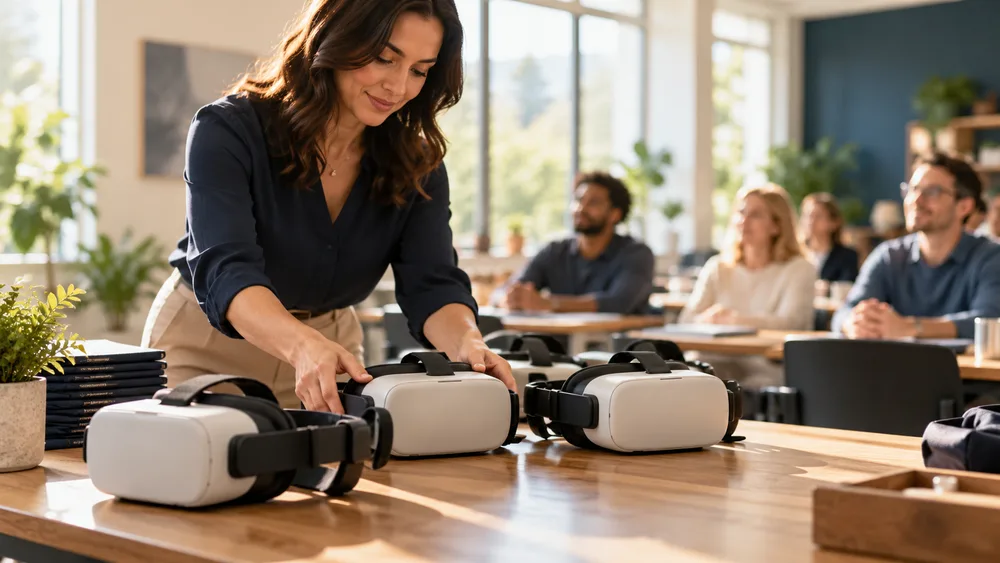
How do you turn a promising VR demo into a virtual reality training program that improves performance at scale?
The answer is to begin with the job, not the headset. A successful program gives people repeated practice in a realistic situation, captures evidence of competence, and fits the systems and routines that already support learning. It connects a business problem to a designed simulation, a measurable behavior, and a rollout plan.
This guide gives L&D, HR, safety, operations, and transformation leaders a practical framework for moving from idea to pilot and from pilot to enterprise deployment. It draws on the same immersive training, 3D simulation, AI-avatar, and digital-human capabilities described across Mimic Business services and its technology stack.
What a virtual reality training program actually includes
Choose the right business use case
Set outcomes and build the business case
Design realistic scenarios and feedback
Select technology, integrations, and access
Pilot, measure, improve, and scale
What a Virtual Reality Training Program Actually Includes
A virtual reality training program is more than a headset and a 3D scene. It is a repeatable learning system in which employees enter a simulated environment, make decisions, perform tasks, receive feedback, and practice again. The simulation may reproduce equipment, a workplace, a customer interaction, an emergency, or a leadership conversation. What matters is that the learner does something observable rather than simply watching content.
The program normally includes a defined audience, performance objectives, scenario logic, interactive 3D assets, hardware or multi-device access, facilitator guidance, learner support, assessment rules, analytics, and an update process. Some programs also include conversational AI or digital humans so that learners can practice dialogue that changes in response to their words. Mimic Business explains this approach in its guide to AI avatars for corporate training.
VR is especially useful when real practice is dangerous, expensive, disruptive, difficult to repeat, emotionally sensitive, or inconsistent across locations. It can prepare employees for a safety-critical procedure, a complex onboarding task, a customer escalation, or a rare operational event. The key test is transfer: will practice in the simulation help someone perform better when the real moment arrives?
Learning design: objectives, practice sequence, difficulty, feedback, and reflection.
Simulation design: environment, objects, characters, branching, and scoring logic.
Deployment: devices, accounts, hygiene, security, accessibility, and technical support.
Measurement: behavior data, learner feedback, operational outcomes, and iteration.

Choose the Right Business Use Case
The first use case should be narrow enough to design well and important enough to earn attention. “Improve leadership” is too broad. “Help new managers conduct a respectful performance conversation using the company’s feedback model” is actionable. “Reduce incidents” is vague. “Teach technicians to identify five hazards and complete the shutdown sequence before maintenance” gives the design team something it can build and measure.
Good candidates have a clear performance gap, a meaningful consequence, and a need for practice. Safety procedures work well because employees can encounter hazards without physical risk. Onboarding works when new hires need familiarity with a place, workflow, or decision path before entering the real environment. Soft-skills scenarios work when employees need privacy and repetition before a difficult conversation. For related examples, explore immersive onboarding simulations and AI role-play for sales and leadership coaching.
Score candidate use cases against business value, practice frequency, realism requirements, learner volume, content stability, integration needs, and accessibility. Avoid choosing a topic only because it will look impressive in a demo. A beautiful simulation with no defined decision, task, or feedback loop becomes an experience, not a training program.
Pick one audience and one job moment for the initial pilot.
Describe the observable behavior that should change after practice.
Confirm that VR adds value beyond video, classroom, mobile, or desktop learning.
Choose a process owner who can approve accuracy and sustain the content.
Set Outcomes and Build the Business Case
Define success before production begins. Learning metrics might include task accuracy, decision quality, time to completion, correct sequence, confidence, or retention. Operational metrics might include faster time to competence, fewer instructor hours, less equipment downtime, reduced travel, improved customer outcomes, or fewer preventable incidents. The strongest business case connects the two: better simulated performance should plausibly influence a real workplace result.
Establish a baseline using the current method. Measure how long training takes, what it costs, where learners struggle, and how performance is assessed today. Then state a pilot hypothesis. For example: after three VR practice sessions, technicians will complete the isolation procedure with fewer prompts and demonstrate higher accuracy in a supervised assessment. This creates a fair test without promising that technology alone will solve every problem.
Include the full cost of ownership. Budget for discovery, instructional design, 3D production, interaction development, subject-matter review, devices, device management, integration, localization, facilitator preparation, support, and updates. A focused pilot controls risk and generates evidence for later investment. Mimic Business’s article on VR safety training impact and ROI provides a deeper measurement framework for safety-focused programs.
Executive sponsors usually need a concise story: the current performance problem, why existing training is insufficient, why immersive practice fits, what the pilot will test, how results will be measured, and what a scaled deployment could change. Keep the claim proportionate to the evidence. The first decision is whether the approach deserves a pilot, not whether every learner should receive a headset.
Design Realistic Scenarios and Feedback
Start scenario design with a task analysis. Ask experienced employees what they notice, decide, do, and communicate at each stage of the job moment. Capture common errors, environmental cues, time pressure, tools, policies, and consequences. The simulation should recreate the cues that drive good judgment, not add decorative complexity that competes for attention.
Map each scenario as a sequence of meaningful choices. Decide what the learner can inspect, manipulate, say, or select; how the environment responds; and when feedback appears. Immediate feedback is useful for early instruction, while delayed feedback may be better for a final assessment. Difficulty can increase by reducing prompts, introducing variation, changing emotional tone, or adding realistic distractions.
For interpersonal practice, AI avatars can make the exchange less predictable than a fixed branch. A digital customer, colleague, or manager can respond to the learner’s language, tone, and decisions while staying within defined business rules. Read how AI avatars support corporate role-play and how conversational AI supports employee training. Human review remains important for scoring criteria, sensitive content, fairness, and escalation rules.
Build reflection into the experience. After a scenario, show what happened, why it mattered, what the learner did well, and what to try next. A short debrief with a facilitator or manager can connect simulated choices to local procedures and real work. Practice becomes more valuable when employees can repeat the scenario with a clear improvement goal.
Select Technology, Integrations, and Access
Choose technology after the learning and deployment requirements are clear. Standalone headsets are convenient for distributed programs because they reduce cables and workstation requirements. High-fidelity PC-based systems may suit detailed engineering or specialist simulations. Mixed reality can preserve awareness of the physical environment. Browser, desktop, tablet, or mobile access can widen participation when full immersion is not required.
Evaluate comfort, field of view, tracking, hand interaction, battery life, cleaning, device management, offline operation, network restrictions, and the physical space available at each site. Plan for prescription glasses, seated use, left- and right-handed interaction, motion sensitivity, hearing needs, language, and learners who cannot or should not use a headset. An equivalent non-headset route may be necessary for inclusion and business continuity.
Integration turns an isolated experience into a managed learning program. Decide whether the solution must exchange completion, score, attempt, and competency data with an LMS or learning experience platform. Clarify identity, single sign-on, privacy, retention, analytics ownership, and regional data requirements. Mimic Business covers the wider architecture in its guide to integrating VR training with AI, digital twins, and learning systems.
Treat content maintenance as a design requirement. Policies, equipment, branding, and procedures change. Modular scenes, configurable text, reusable interaction patterns, and a documented approval process make updates more manageable. A digital representation of the workplace can also support consistent contextual learning; see digital twin training environments for more detail.
Pilot, Measure, Improve, and Scale
A useful pilot tests the whole operating model, not only the software. Recruit a representative learner group, including people with different levels of experience and comfort with technology. Prepare facilitators, devices, physical spaces, login instructions, hygiene routines, technical support, and a fallback path. Run a small usability test before the measured pilot so that avoidable friction does not distort learning results.
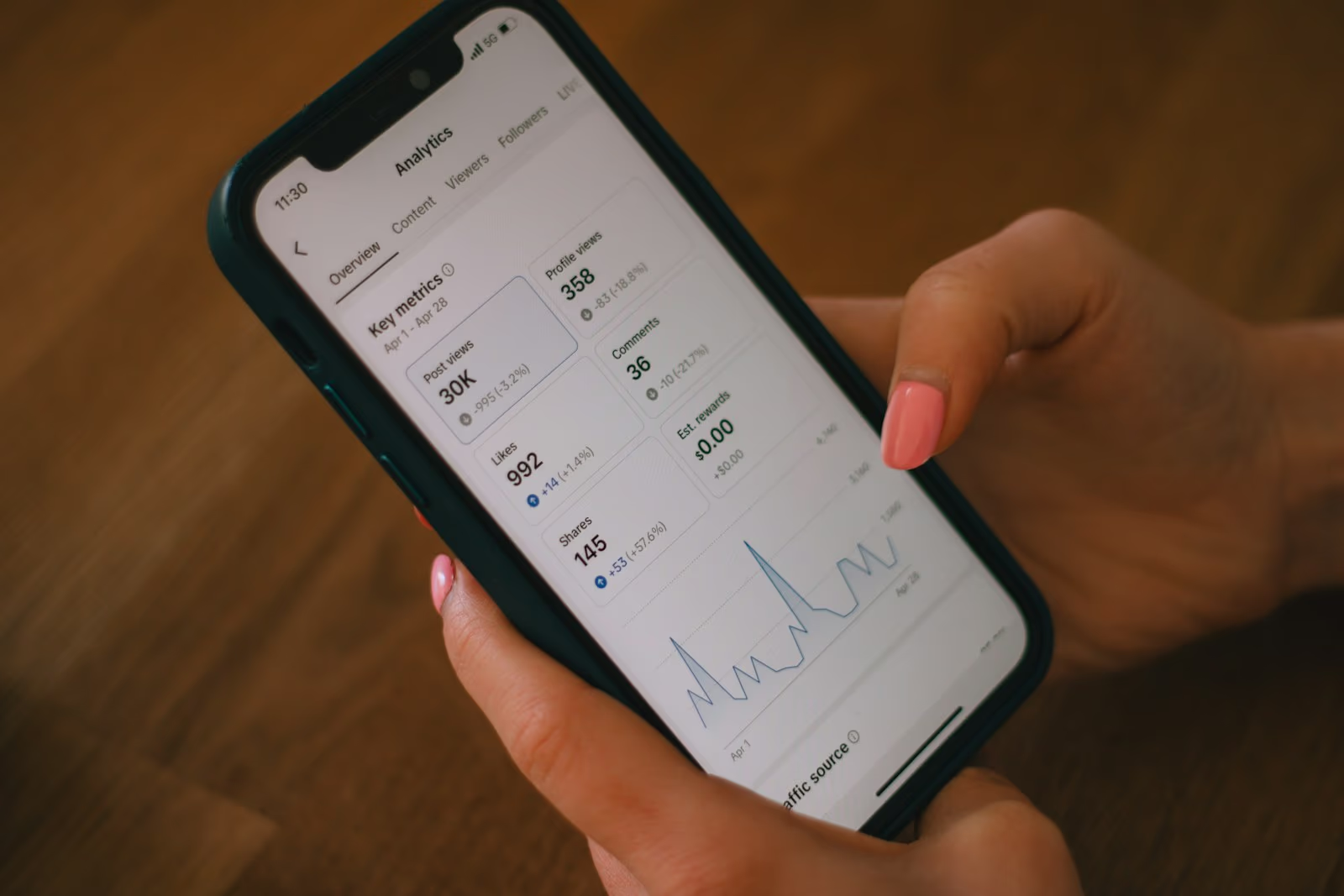
Collect evidence at several levels. Track access and completion to understand adoption. Track attempts, errors, decisions, sequence, time, and feedback to understand practice. Use a comparable pre- and post-assessment to examine learning. Ask managers or assessors whether behavior transfers to the job. Where possible, monitor an operational indicator over an appropriate period, while acknowledging other factors that may influence it.
Adoption: participation, completion, repeat practice, and support requests.
Performance: accuracy, decision quality, time, prompts, and rubric improvement.
Experience: comfort, relevance, confidence, accessibility, and facilitator feedback.
Business: time to competence, cost per learner, incident signals, quality, or customer outcomes.
Use the pilot to improve scenario clarity, interaction, difficulty, feedback, logistics, and measurement. Document what must change before adding locations or audiences. Scale in controlled waves, with local champions and consistent support. A program that works for twenty closely supported learners may need different device management, onboarding, reporting, and governance for two thousand.
Finally, create an ownership model. Assign responsibility for learning outcomes, content accuracy, technical operation, analytics, privacy, and release approval. Review scenarios on a schedule and after process changes or incidents. Immersive learning should evolve with the work it represents. For a related deployment perspective, see the enterprise AI training simulation rollout guide.
Conclusion
A virtual reality training program succeeds when immersive technology is tied to a real performance need, credible practice, useful feedback, and disciplined measurement. Begin with one job moment, design for transfer and accessibility, test the complete operating model, and scale only after the pilot produces evidence and clear lessons.
Ready to explore a custom program for your workforce? Contact Mimic Business to discuss immersive training, custom simulations, AI avatars, and a practical route from discovery to deployment.
Frequently asked questions
What is a virtual reality training program?
It is a repeatable learning system that places employees inside interactive simulations where they practice tasks or decisions, receive feedback, and demonstrate competence.
Which business tasks are best suited to VR training?
Strong candidates are dangerous, costly, rare, spatial, procedural, emotionally sensitive, or difficult to practice consistently in the real workplace.
How long does it take to create a VR training program?
Timelines vary with scope and fidelity. A focused pilot can be developed faster than a multi-location program with custom 3D environments, AI characters, integrations, localization, and formal validation.
How much does a virtual reality training program cost?
Cost depends on discovery, learning design, 3D production, interaction complexity, hardware, integrations, deployment scale, support, and update requirements. A narrow pilot is the safest way to develop a credible estimate.
Does every learner need a VR headset?
Not always. Some programs combine headset-based practice with browser, desktop, tablet, mobile, or facilitator-led alternatives to increase access and accommodate different learner needs.
Can VR training integrate with an LMS?
Yes. A well-planned solution can send completion, score, attempt, and competency data to learning systems, subject to the platform, identity, privacy, and reporting architecture.
How do you measure VR training ROI?
Compare the current training baseline with pilot results across learning performance, time, instructor effort, travel, equipment use, quality, safety, or another operational outcome connected to the use case.
Can AI avatars be used inside VR training?
Yes. AI-driven digital humans can support adaptive conversations for customer service, sales, leadership, onboarding, and compliance scenarios while defined rules and human review protect accuracy.
How should a company start a VR training pilot?
Choose one high-value job moment, define an observable behavior and baseline, build a focused scenario, test with representative learners, measure transfer, and refine before scaling.
Discussion
Join the conversation
Comments are reviewed before publication to keep the discussion useful.