
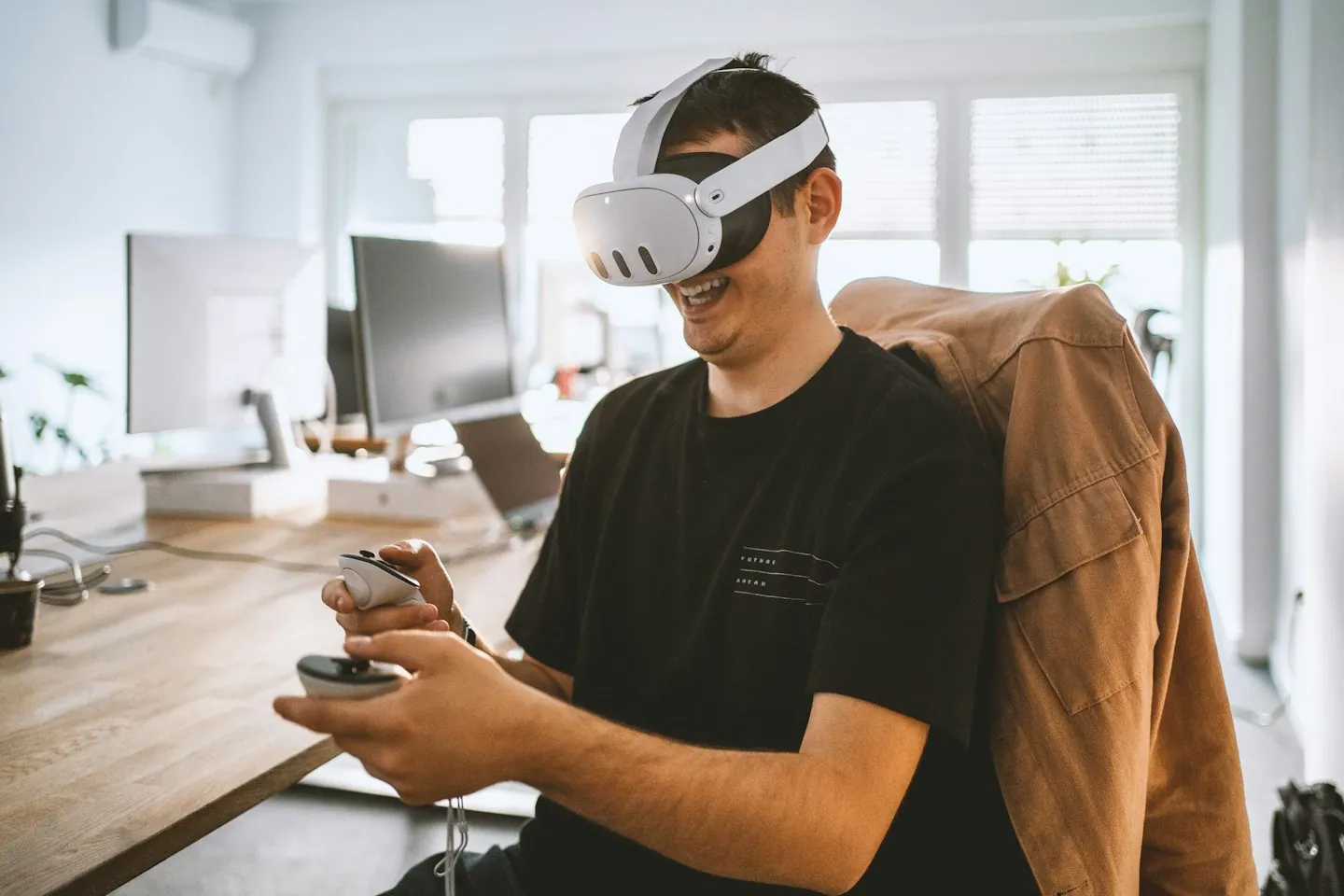
VR training for manufacturing lets people rehearse a defined factory task in a simulated environment before supervised practice on real equipment. It can support equipment familiarisation, assembly sequences, changeover decisions and maintenance preparation. Its usefulness depends on what learners must notice and decide, how accurately the relevant task is represented, and whether the practice transfers to the workplace.
For an operations or learning manager, the first decision is which task deserves a simulation. This guide explains how to choose that task, brief a focused pilot and evaluate the result. It complements our manufacturing training services and concentrates on rehearsal away from live production. For guidance displayed alongside the real task, see our separate AR work instructions guide.
Choose a manufacturing task worth rehearsing
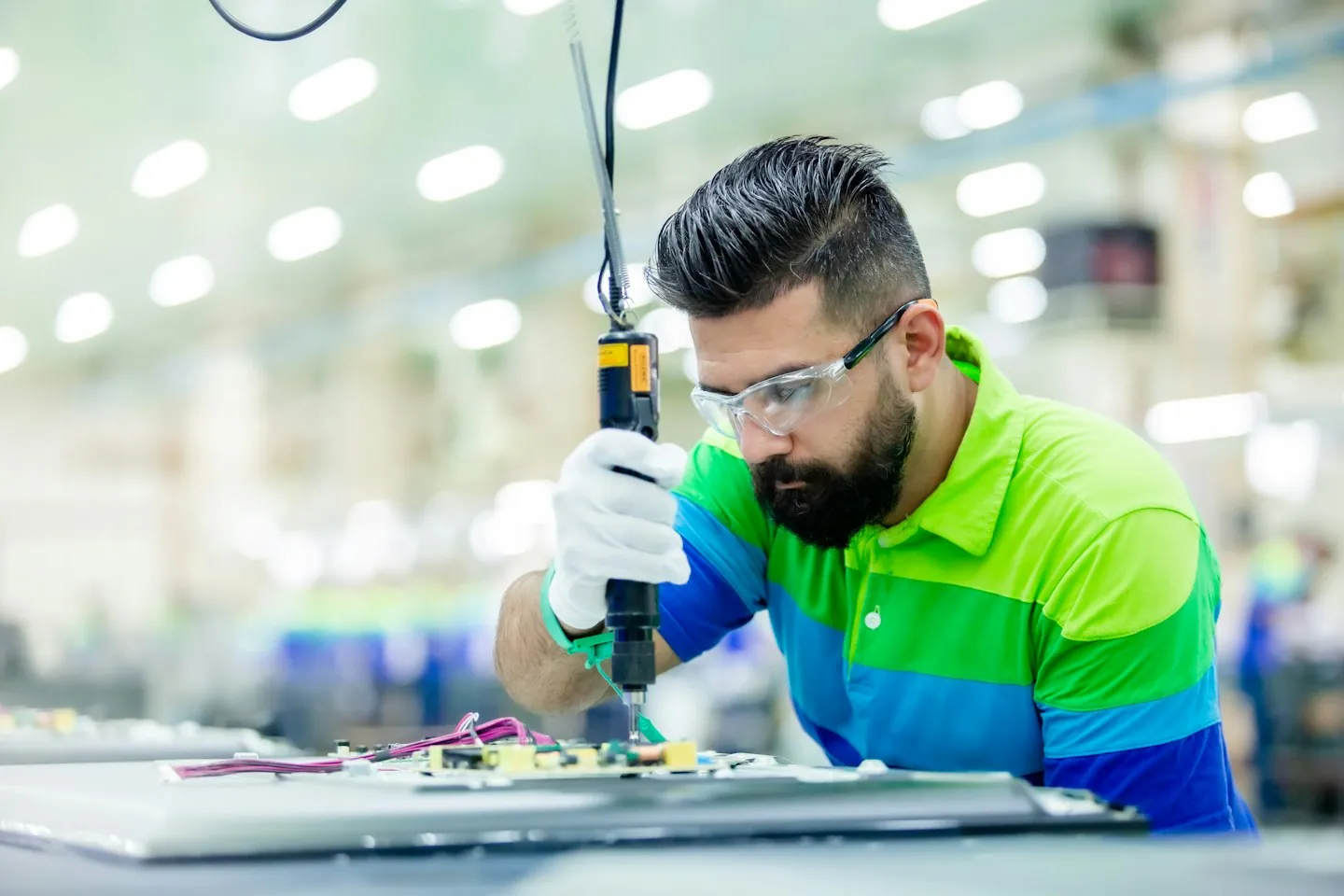
A useful VR manufacturing training brief names a task, a learner group and an observable difficulty. “Train new operators to recognise the correct components and explain the changeover sequence” is easier to scope than “Create a virtual factory.” Start with the work people find difficult to practise consistently, then decide which parts a simulation can represent credibly.
Equipment familiarisation
New starters can explore the layout of a workstation, identify controls and distinguish similar components. This is particularly relevant when equipment access is limited or a future line is not yet available. The exercise should require recognition or explanation, rather than reward people simply for clicking every highlighted object. Check terminology against the actual equipment and the site's approved documents.
Assembly and changeover practice
A simulation can let learners organise parts, rehearse a sequence and respond to a deliberately introduced mismatch. For example, a training scenario might ask which component belongs to a specified product variant and what to do when it is unavailable. The learning objective is the selection and reasoning. Tool resistance, fastening quality and other physical skills still need appropriate hands-on practice.
Maintenance preparation and handovers
Before a supervised activity, a learner could identify relevant equipment, locate information and explain when to involve another specialist. Shift-handover scenarios can ask people to communicate an unresolved condition clearly. These are preparation exercises, not instructions to perform maintenance or proof that someone is authorised to work on machinery.
There are published industrial examples. In its July 2024 account of virtual planning at Regensburg, BMW Group described employees using VR goggles to explore a future assembly line and practise operating cycles. That is an example from BMW's programme, not a Mimic project or a forecast of results for another manufacturer. It supports a concrete use case: preparing people for a workplace before that workplace is available.
For broader examples across business functions, use our guide to VR training benefits and workplace examples. Here, keep the shortlist tied to one production process and the decisions it requires.
Decide what the simulation must reproduce
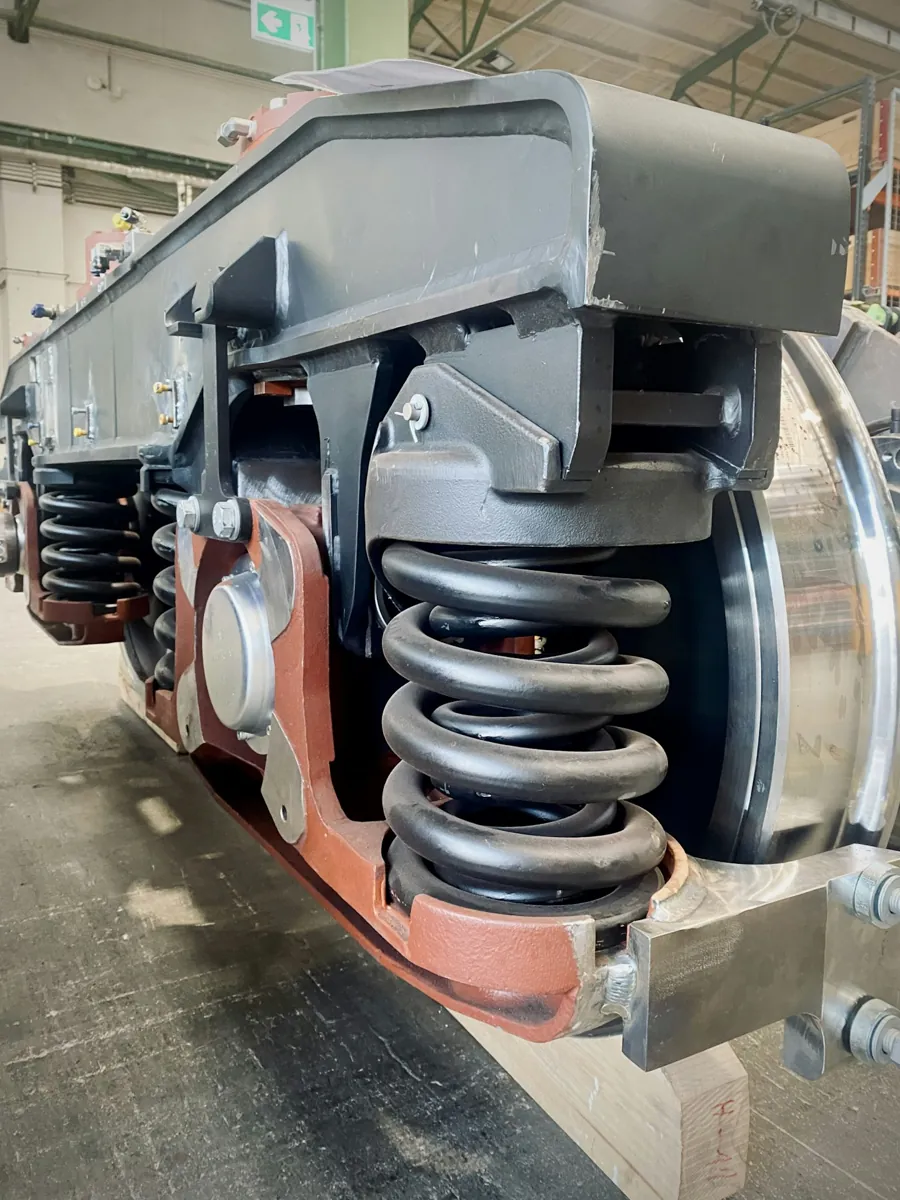
A detailed 3D environment can still teach the wrong lesson if a control is misplaced or the feedback accepts an incorrect sequence. Prioritise accuracy in the parts that affect the learning objective: component identity, spatial relationships, process states, decision points and consequences. Background detail matters when it supplies a cue or creates a relevant distraction; otherwise it can consume production effort without improving practice.
Decide what the learner will actually do. Looking around a photographed environment can support orientation and observation. An interactive 3D simulation may be more appropriate when the task requires selecting parts, changing equipment states or trying alternative decisions. A desktop exercise may be sufficient for some knowledge checks. These formats have different production and hardware requirements, so select them through the learning task and delivery brief.
Write down the limits as carefully as the interactions. A controller cannot automatically reproduce the weight of a component, the feel of a thread or the force needed for a tool. If those sensations determine successful performance, identify how they will be taught and assessed elsewhere. Visual familiarity and independent competence are different outcomes.
Nor does every manufacturing simulation need a continuously connected digital twin. A reviewed model of one equipment variant may be enough for a bounded training exercise. If live operational data, automatic updates or a wider plant model are required, scope those connections explicitly. Our digital twin training guide examines that separate decision.
For a changeover exercise, a practical content brief might specify a starting machine state, the relevant product variant, three component choices and a review step. The learner explains their selection, receives feedback and tries a different variant. Operations specialists approve the logic. The exact procedure comes from the manufacturer and site owners; it should never be invented by the visual-production team.
Build a pilot brief around one workstation
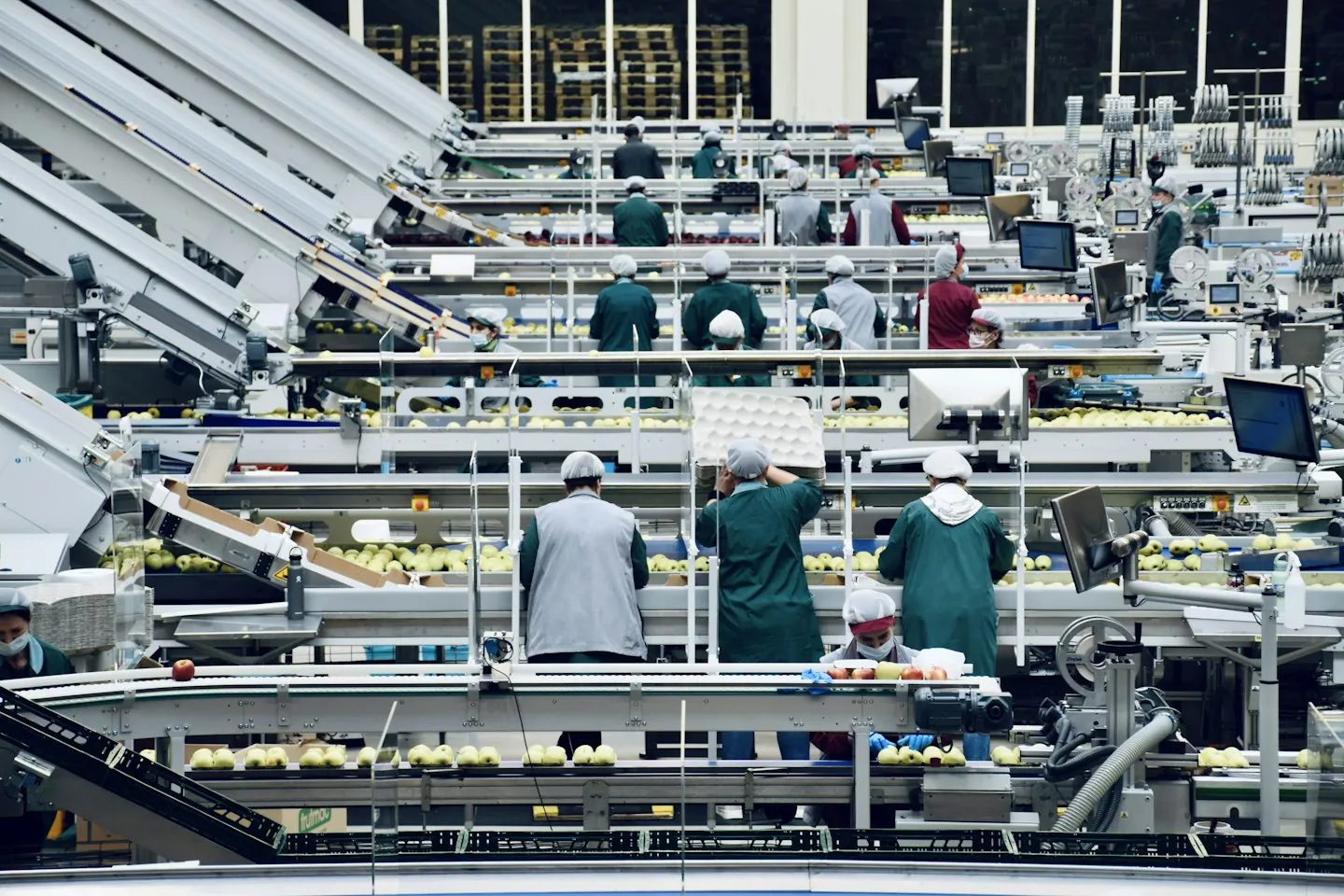
Keep the first pilot small enough for subject experts to review every meaningful interaction. One learner group, one equipment variant and one training objective provide a clearer test than a tour covering the whole plant. A narrow brief also makes disagreements visible early: which terminology is correct, which sequence is approved and what an acceptable response looks like.
Before requesting a proposal, assemble a short source pack. Include the approved procedure, suitable equipment references and examples of common learning difficulties. Confirm permission to share photographs, drawings and CAD files. Identify anything commercially sensitive and agree how it may be stored and used.
- Task and audience: the workstation, equipment revision, learner role and assumed prior knowledge.
- Decisions: what learners must recognise, choose, explain or escalate during the exercise.
- Source of truth: approved documents and the person who resolves conflicting instructions.
- Delivery: location, device constraints, language needs and an alternative route for people who cannot use a headset.
- Acceptance: what must work in the prototype and who signs off technical and learning accuracy.
- Evaluation: the existing training method to compare against and the assessment planned after practice.
Use an early prototype to test the hardest interaction before commissioning the complete environment. Can a learner distinguish the relevant components? Does the feedback explain the decision? Can an instructor see enough to facilitate a useful discussion? A prototype is valuable when it reveals what needs changing while changes are still manageable.
Agree the deliverables in writing: scenario outline, reviewed assets, working prototype, test record, final training build and handover materials. Include ownership of editable files and responsibility for future procedure changes. Our project process explains the wider stages, while the VR training budget guide separates content production, hardware, integration and ongoing costs.
Plan the session as carefully as the content
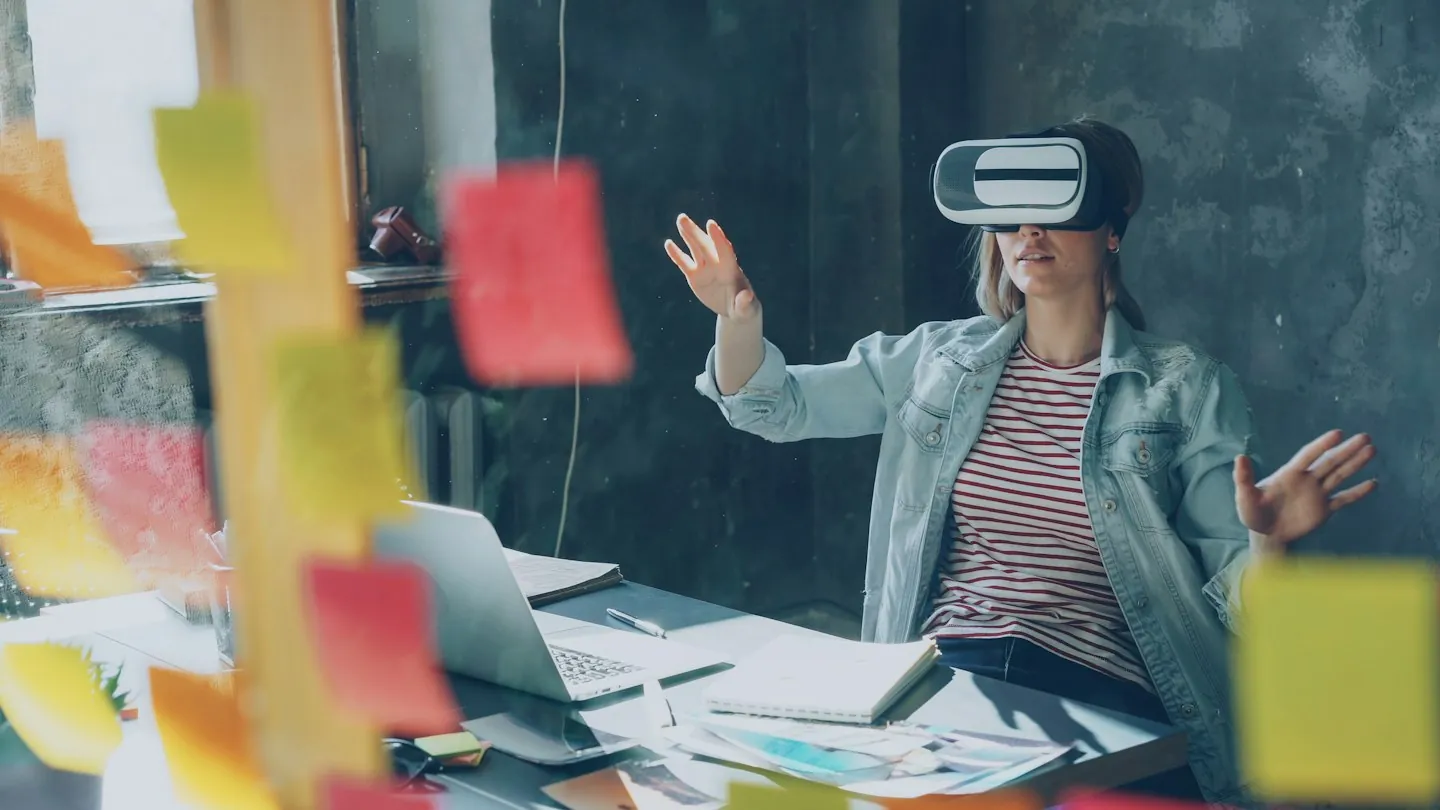
A working application is only one part of a usable training session. Decide who prepares equipment, introduces the controls, helps participants, records problems and leads the debrief. Include time for fitting and familiarisation when estimating capacity. A short exercise does not mean the complete session takes the same number of minutes.
Provide a suitable training space and follow the selected device manufacturer's current use and cleaning guidance. Keep the experience separate from live operating machinery. Offer a way to pause and an appropriate alternative for participants who cannot comfortably use the headset. Test readable text, audio alternatives, controller use and language with representative learners rather than assuming one configuration works for everyone.
Define how instructors observe the exercise and what happens when a learner gets stuck. An error can trigger a hint, a pause for explanation or a retry. Choose the response according to the objective. If every difficult decision is immediately answered by the interface, a completion score may tell you little about what the person understood.
Delivery platforms also need operational ownership. As one supplier example, Strivr's system overview separates content management, device management, the headset experience and reporting. Use those categories as procurement questions, not as an assumption that every system includes the same features. Confirm deployment, access, updates and reporting for the actual platform proposed.
Only collect learning data you have a defined use for, and explain how it will be reviewed. Completion, assistance requested and assessment results are different signals. Agree access, retention and any learning-system integration with the responsible teams. Do not promise that a headset session will automatically appear correctly in an LMS without testing the agreed data exchange.
Check whether practice transfers to real work
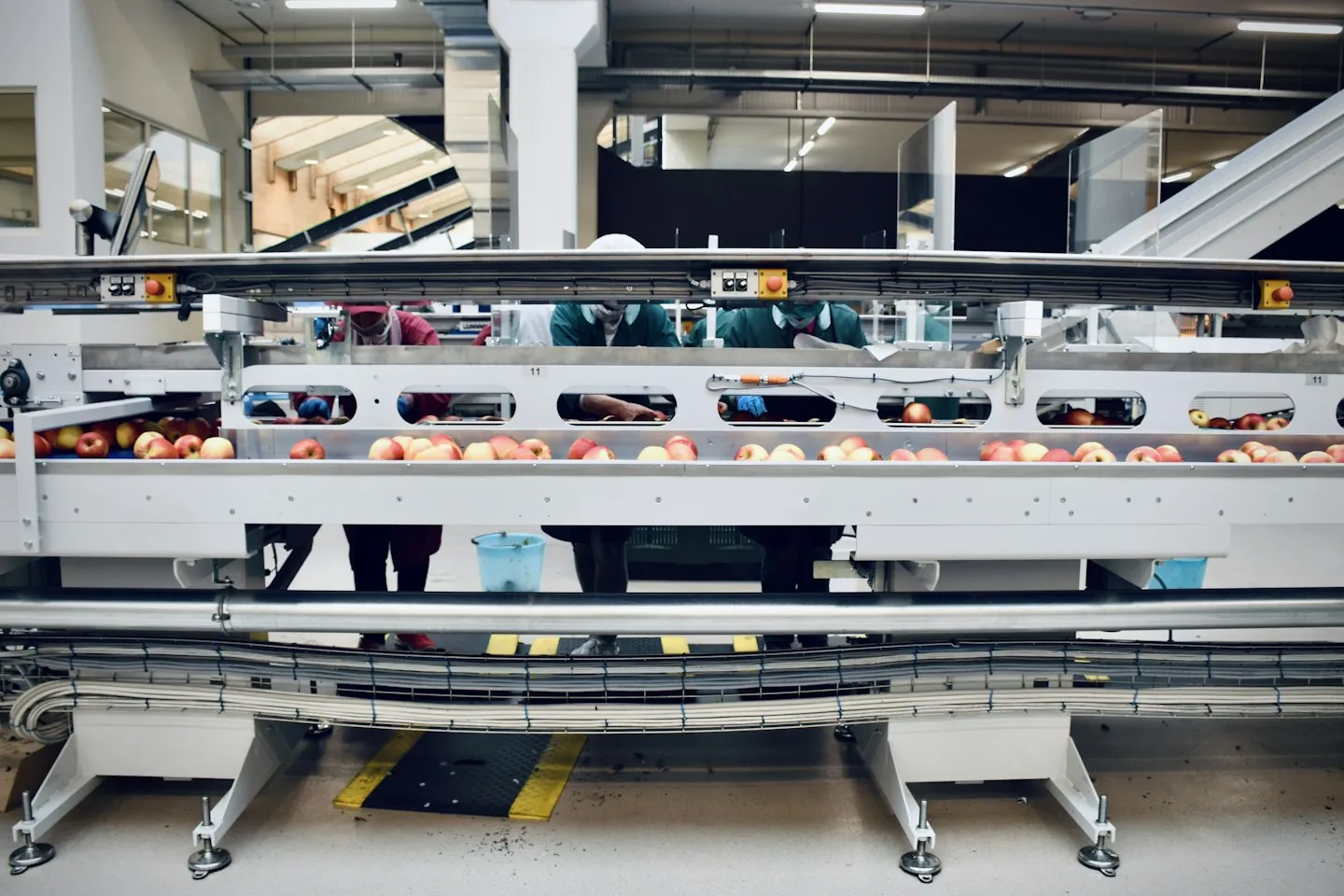
The central question is what learners can do after the exercise. Decide the assessment before running the pilot. Depending on the objective, it could involve identifying components on the real workstation, explaining a sequence without prompts or completing an approved supervised practice activity. Use an assessor and criteria appropriate to the task.
Compare against the current training method under reasonably comparable conditions. Record prior experience, instructor help and which equipment variant was used. If one group receives extra coaching, a difference in performance cannot simply be attributed to VR. Keep the limitations of a small pilot visible when reporting findings.
Useful measures include correct identification, sequence errors, requests for assistance and performance on a later assessment. If measuring time, distinguish headset time from the whole training session. Confidence and satisfaction are useful feedback, but neither establishes competence. A faster run can also conceal skipped steps, so review accuracy alongside speed.
A simple evaluation record can contain the task, participant group, baseline method, assessment criteria, observed results and recommended changes. Record technical problems too: unclear selection, tracking interruptions, unreadable labels or content that no longer matches equipment. Our training measurement guide develops the distinction between participation and learning outcomes.
Finish with a decision: revise the scenario, repeat the pilot, expand to a related task or use another format. Expansion should include a named content owner, review triggers and a way to withdraw outdated versions. Equipment changes, revised procedures and new product variants can all affect whether the simulation remains accurate. A promising pilot is the start of that responsibility, not its end.
VR training for manufacturing: frequently asked questions
What is VR training for manufacturing?
It is practice in a simulated manufacturing environment, usually through a headset, to develop task recognition, procedural understanding or decision-making. It can prepare people for supervised work on real equipment, with the exact learning and assessment boundaries defined by the manufacturer.
Which manufacturing tasks are suitable for a first VR pilot?
Consider a bounded task such as equipment familiarisation, component identification or a defined changeover decision. Choose one with approved source material, an available subject expert and a clear assessment. Tasks dependent on force or fine tactile judgement need additional physical practice.
Can VR replace hands-on machine training?
Do not assume that completing a simulation establishes competence on the real machine. VR may prepare learners for practical training, but equipment-specific instruction, supervised practice and any required authorisation still need to be addressed through the site's approved process.
Is a digital twin required?
No. A reviewed model of the relevant workstation may be sufficient. Connections to live data or a wider factory model should be added only when the learning objective requires them, with their maintenance and integration responsibilities included in the scope.
How does VR differ from AR work instructions?
VR places the learner in a simulated environment for rehearsal. AR adds visual information to a view of the real environment and can support understanding at the task. Decide whether the need is practice away from production or guidance alongside real equipment.
What determines the cost of a manufacturing VR module?
Major factors include equipment detail, interaction complexity, scenario variants, source assets, review requirements, devices and integrations. Request a scoped estimate that separates initial production from licences, support and content updates. There is no single price that fits every manufacturing task.
How should a manufacturing VR pilot be evaluated?
Agree the learning objective and an assessment outside the guided exercise. Compare with the current training approach, record prior experience and assistance, and review accuracy as well as time. Report the pilot's size and limitations rather than projecting unverified site-wide savings.
What should we send when requesting a proposal?
Provide the task, learner group, equipment variant, approved procedure and the difficulty you want to address. Include available reference assets, device constraints, review owners and proposed success criteria. Confirm permission to share any drawings, CAD files or workplace photographs.
Turn one manufacturing task into a clear brief
The strongest starting point is a specific learning problem that your operations team can describe and review. Define the task, the decisions and the assessment before choosing how much of the factory to recreate. This keeps the pilot useful to the people responsible for training and the people who will use it.
Discuss a manufacturing VR training pilot with Mimic Business. Bring the approved procedure, equipment references and intended audience. We can discuss the experience, production scope and review process needed to make that first task practical to rehearse.
Further reading
PwC virtual reality soft-skills training study — Research on VR soft-skills training. Its findings depend on the study context and should not be treated as a forecast for every training programme.
Discussion
Join the conversation
Comments are reviewed before publication to keep the discussion useful.